> ## Documentation Index
> Fetch the complete documentation index at: https://docs.clinkbill.com/llms.txt
> Use this file to discover all available pages before exploring further.
# Quickstart
> Create your first checkout session in minutes.
## Log in into your account
If you have been invited, you should receive an email from us about account verification.
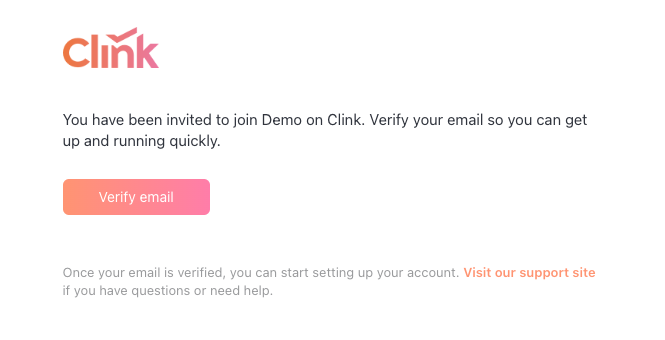 Follow the instructions to set your password, and then log in use your email address.
Upon first login, you will need an authenticator app for TOTP registration. We recommend the **Microsoft/Google Authenticator** app.
## Generate API key
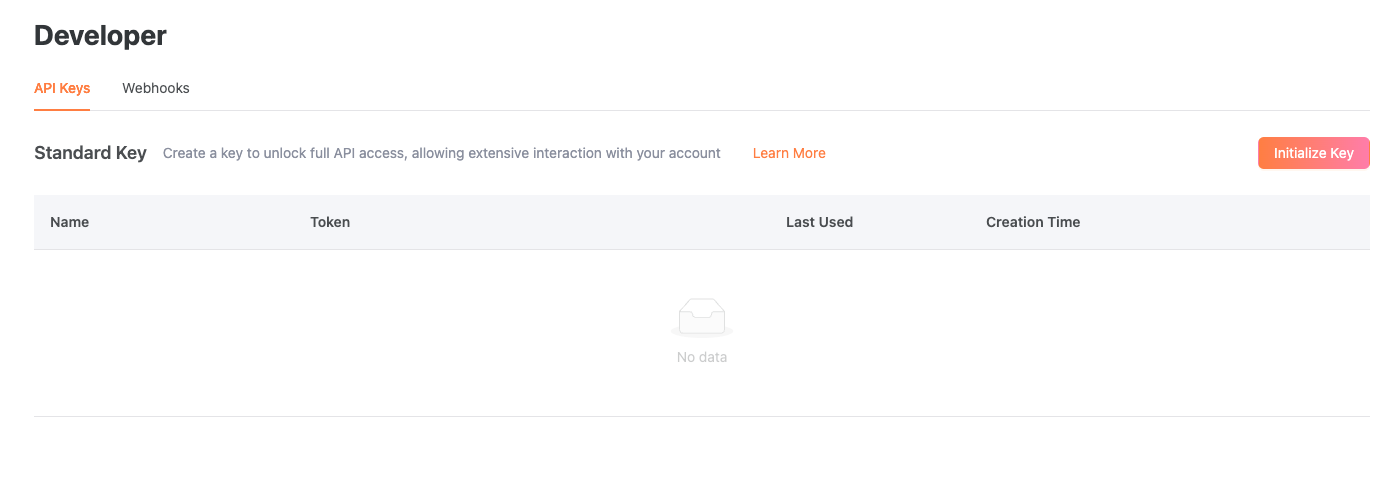
Go to the **Developers** tab. Click on **Initialize Key**, and make sure you copy the SK as it will only appear once.
Follow the instructions to set your password, and then log in use your email address.
Upon first login, you will need an authenticator app for TOTP registration. We recommend the **Microsoft/Google Authenticator** app.
## Generate API key
Go to the **Developers** tab. Click on **Initialize Key**, and make sure you copy the SK as it will only appear once.
 ## Create first product (Optional)
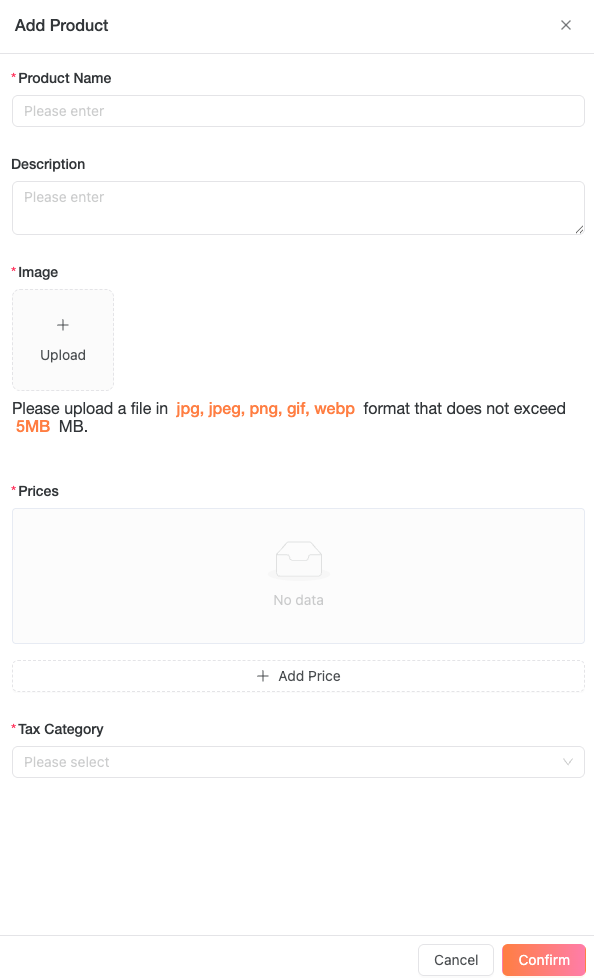
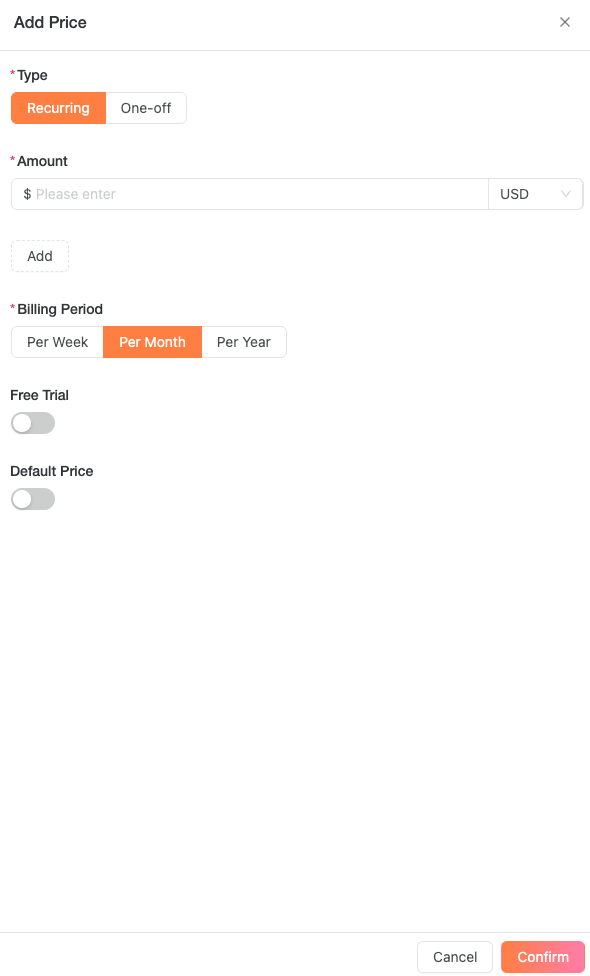
Go to the **Products** tab. The name, icon, prices are required to create a product. We will display this information to your customers.
## Create first product (Optional)
Go to the **Products** tab. The name, icon, prices are required to create a product. We will display this information to your customers.
 ## Create a checkout session
Follow the API reference to create a checkout session!
Please test your code before hitting production!
```json without a Product theme={null}
curl --location --request POST 'https://uat-api.clinkbill.com/api/checkout/session' \
--header 'X-Timestamp: ${currentMillisecondsTimestamp}' \
--header 'X-API-Key: ${sk_key}' \
--header 'Content-Type: application/json' \
--data-raw '{
"customerEmail": "customer@example.com",
"originalAmount": ${amount},
"originalCurrency": "USD",
"uiMode": "hostedPage",
"priceDataList":[
{
"name":"A One-time purchase",
"quantity": 1,
"unitAmount":${unitAmount},
"currency":"USD"
}
]
}'
```
```json with a Product created theme={null}
curl --location --request POST 'https://api.clinkbill.com/api/checkout/session' \
--header 'X-Timestamp: ${currentMillisecondsTimestamp}' \
--header 'X-API-Key: ${sk_key}' \
--header 'Content-Type: application/json' \
--data-raw '{
"customerEmail": "customer@example.com",
"originalAmount": ${amount},
"originalCurrency": "USD",
"uiMode": "hostedPage",
"priceId": "${price_id}",
"productId": "${prd_id}"
}'
```
If you are creating a session for embedded checkout, set `uiMode` to `elements` and include `returnUrl`. A common pattern is `https://YOUR_DOMAIN/complete.html?session_id={ELEMENTS_SESSION_ID}`, where Clink replaces `{ELEMENTS_SESSION_ID}` with the created session ID.
## Create a checkout session
Follow the API reference to create a checkout session!
Please test your code before hitting production!
```json without a Product theme={null}
curl --location --request POST 'https://uat-api.clinkbill.com/api/checkout/session' \
--header 'X-Timestamp: ${currentMillisecondsTimestamp}' \
--header 'X-API-Key: ${sk_key}' \
--header 'Content-Type: application/json' \
--data-raw '{
"customerEmail": "customer@example.com",
"originalAmount": ${amount},
"originalCurrency": "USD",
"uiMode": "hostedPage",
"priceDataList":[
{
"name":"A One-time purchase",
"quantity": 1,
"unitAmount":${unitAmount},
"currency":"USD"
}
]
}'
```
```json with a Product created theme={null}
curl --location --request POST 'https://api.clinkbill.com/api/checkout/session' \
--header 'X-Timestamp: ${currentMillisecondsTimestamp}' \
--header 'X-API-Key: ${sk_key}' \
--header 'Content-Type: application/json' \
--data-raw '{
"customerEmail": "customer@example.com",
"originalAmount": ${amount},
"originalCurrency": "USD",
"uiMode": "hostedPage",
"priceId": "${price_id}",
"productId": "${prd_id}"
}'
```
If you are creating a session for embedded checkout, set `uiMode` to `elements` and include `returnUrl`. A common pattern is `https://YOUR_DOMAIN/complete.html?session_id={ELEMENTS_SESSION_ID}`, where Clink replaces `{ELEMENTS_SESSION_ID}` with the created session ID.